


Best Backup Solutions for Businesses: Secure, Recover & Access!

Boosted Build
What does your organisation demand? It’s your efforts, management and the most important thing is SECURITY — Are you providing all these things? If yes then what’s your step towards your organisation’s data security. Because security breaches, system failures or any natural disasters can cause much harm to your business than you expected. In case you want to overcome and prevent these incidents, you’ve to make sure that you’re using the best and reliable backup solution for data security — Firstly, let’s suppose you don’t know what’s the best backup solution for your business, we’re here to help you!
In this article, we’re going to talk about the best backup solutions that’ll help you to make a better and secured decision and to make sure that your data stays safe and easily recoverable.
Understand Your Organisation’s Priorities:
Before choosing any backup solution, it’s necessary to take into notice your organisation’s specific needs and demands. Not all sizes of businesses need the same level of backup solutions and checking out what data files are more critical will enable you to narrow down your choices.
Considerations:
- Data volume: How much data do you need to back up regularly?
- Recovery time objective (RTO): How quickly do you need access to your backups?
- Budget: What are your financial constraints for implementing a backup system?
By evaluating these factors, you can better understand the type of backup solutions that fit your organisation.
Types of Backup Solutions:
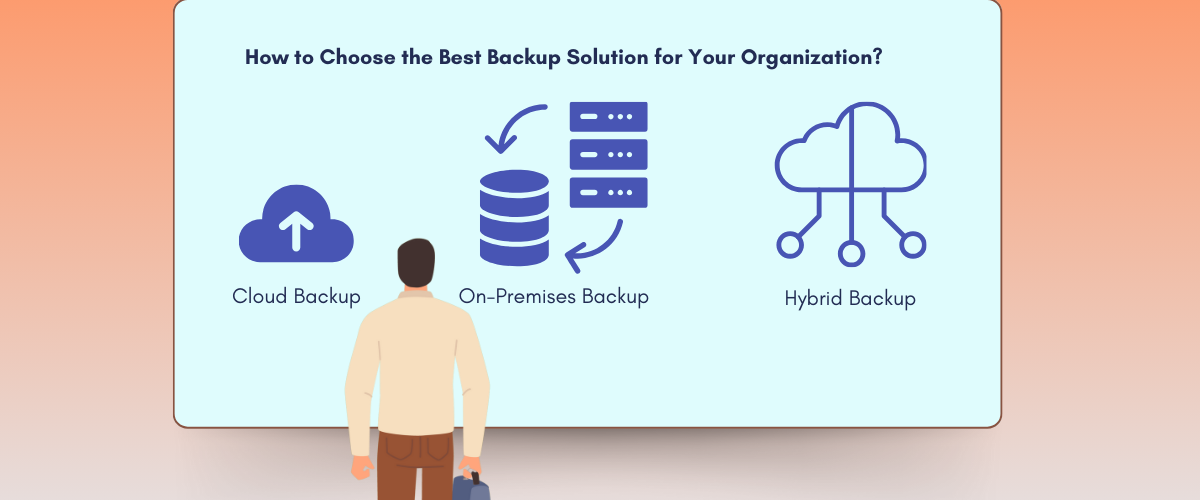
Every backup solution with its unique features is easily available for your business’s data security. Let’s look at the most common in use:
Cloud Backup:
Cloud backup is basically one of the most popular yet common solutions for businesses today. Certainly with the feature of saving data in a remote cloud server, offering off site security and easy access, it’s a very professional option to implement.
On-Premises Backup:
These backup types include storing data files within your own infrastructure, such as local servers or dedicated hardware. Provide businesses complete control over their data but cost higher maintenance and upfront expenses.
Hybrid Backup:
Lastly, hybrid backups offer you the features of on-premises and cloud storage solutions. Means you can store repeatedly used data in local storage and storing less frequently used files in the cloud.
Every of the above types comes with advantages and disadvantages, so it’s necessary to understand your business needs and priorities to align with these solutions.
Main Features to Look in a Backup Solution:
Now all things done, you understand your business needs and take a look at the types of solutions available. It’s the time to choose the key features that are your basic requirements in a backup solution.
When evaluating the best backup solution for your business, pay close attention to the following:
Automation:
First feature in a robust backup solution should be automation, that automates all the backup process, lessening the chances of any human error & making sure backups are done regularly.
Security:
Best feature includes encryption and security of your data, especially in case you’ve any sensitive data. Search for a solution that provides high-level encryption.
Scalability:
Must be as scale-able as your business, more data needs more storage, so make sure that the solution you’re choosing should be scale-able and adjustable.
Data Recovery:
Easy and quick data recovery with minimal downtime, should be the last and best feature included.
Assess Backup Costs:
Cost is a significant factor when selecting the best backup solution. Cloud-based backups generally come with subscription models, offering scalability but increasing long-term costs. On-premises backups require higher initial investments in hardware and ongoing maintenance. Hybrid solutions often balance costs but can also be complex to manage.
Make sure to align your business expenses with your backup solution setup cost and ongoing maintenance cost. Making it a more budget-friendly option, many cloud backup solutions give pay-as-you-go models, that means you’ve to pay only for storage you’ll use.
Test Backup and Recovery Processes Regularly:
Looking for a better solution is just half the battle, testing the efficiency of your backup and recovery process is the other half to win the battle. Testing regularly makes sure that your data files are easily accessible and recoverable in case of any unexpected situation. Furthermore, testing will enable you to recognize any vulnerability in the backup solution and to make required improvements.
- Conduct quarterly tests: This helps verify that your data backups are functioning as intended.
- Simulate disaster recovery: Run simulated recovery operations to ensure your team can execute the process efficiently.
Evaluating Support and Service:
Support is a crucial element when dealing with backup systems. Selecting a provider that offers 24/7 customer support and is known for credibility. On time responses and all time active customer service can be lifesavers during any emergency situation.
- Look for comprehensive SLAs: Service level agreements (SLAs) should outline the recovery time, uptime guarantees, and other critical metrics.
Conclusion: Make the Right Choice for Your Business:
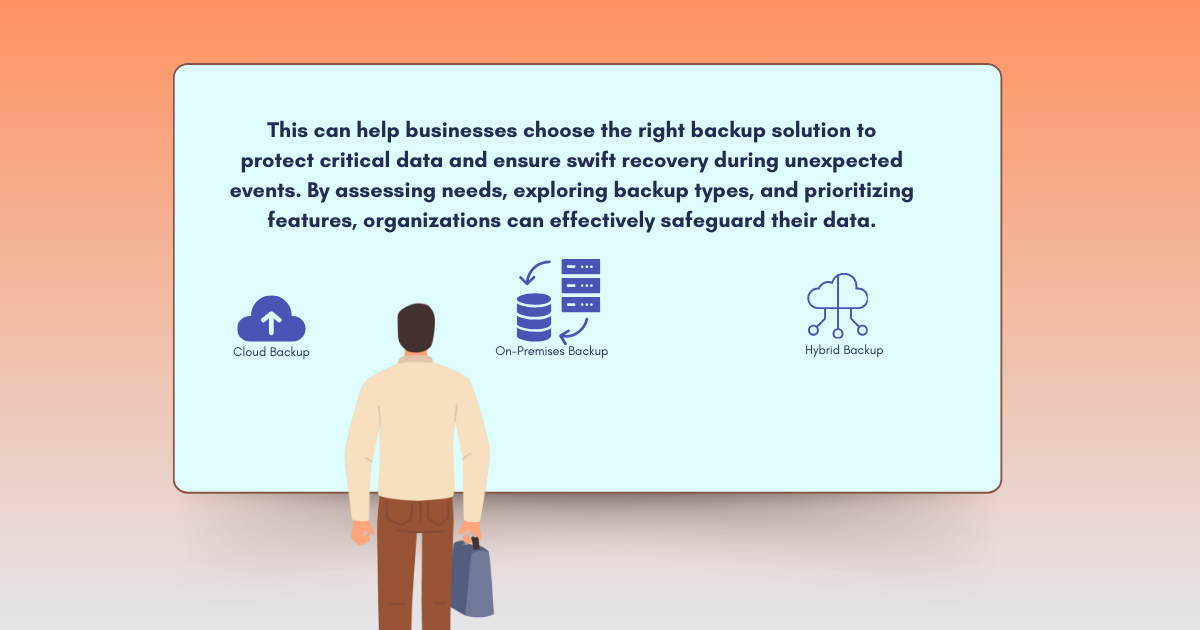
Shortly, selecting just any type of backup solution will either benefitted you or make any loss for your business. Take this decision by understanding your business needs, your own investments and features of the backup solution, because these can turn the tables around. All these efforts are just to make sure that data is secure and easily recoverable after any attack. Want to secure your business’s most valuable asset—its data? Contact us today for a consultation on implementing the best backup solution tailored to your specific needs.